
Your work, your overview.
With the updated Charlie works app, you can confirm your schedule and hours in just a few clicks. This way, you always know exactly where you stand.
Two features that make your workday easier
Confirm your schedule
Every day before your shift, confirm whether you are coming to work. This way, everyone knows what to expect and surprises are avoided.
- 1 Go to Schedule Overview in the app
- 2 Click Yes if you are coming to work
- 3 Click No if you are not coming — provide a reason
Confirm your hours worked
After every shift, you indicate whether you worked according to the schedule. This ensures your hours are recorded correctly and allows us to report and monitor more effectively.
- 1 Go to Approve hours per day
- 2 Yes — you worked according to the schedule
- 3 No — enter the actual times and provide a reason
Up to date in four steps
Download the app
Available for iOS and Android in the App Store and Google Play.
Log in
Select "Employee" and use your portal login credentials.
Confirm your shift
Before your shift, confirm you are coming to work with a single click.
Approve your hours
After your shift, confirm your hours worked. Done!
Do you have any questions?
Where can I download the app?
How do I log in to the app?
When should I confirm my schedule?
What if I worked more or fewer hours than planned?
What if I didn't work at all on a scheduled day?
Are there video instructions available?
Download the Charlie works app
Scan the QR code with your phone to install the app immediately.
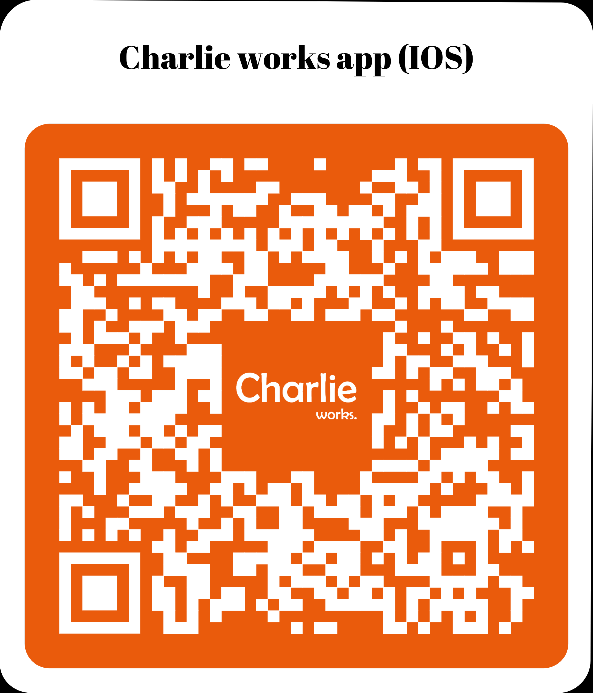 App Store (iOS)
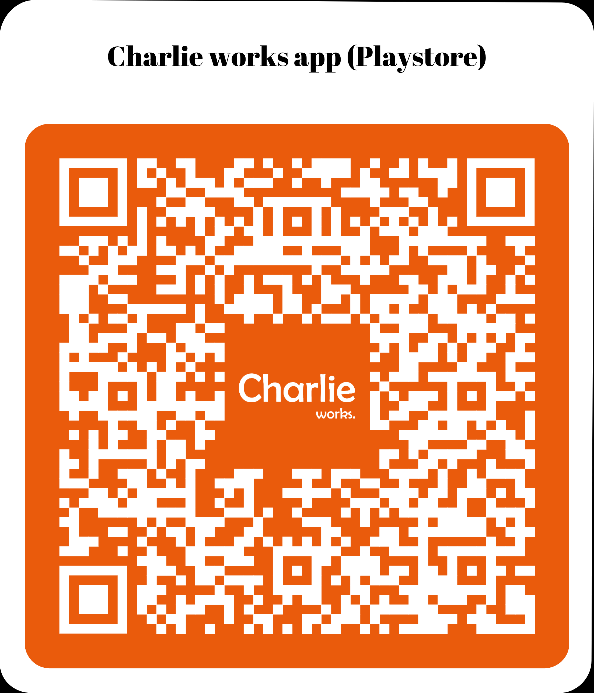 Google Play (Android)